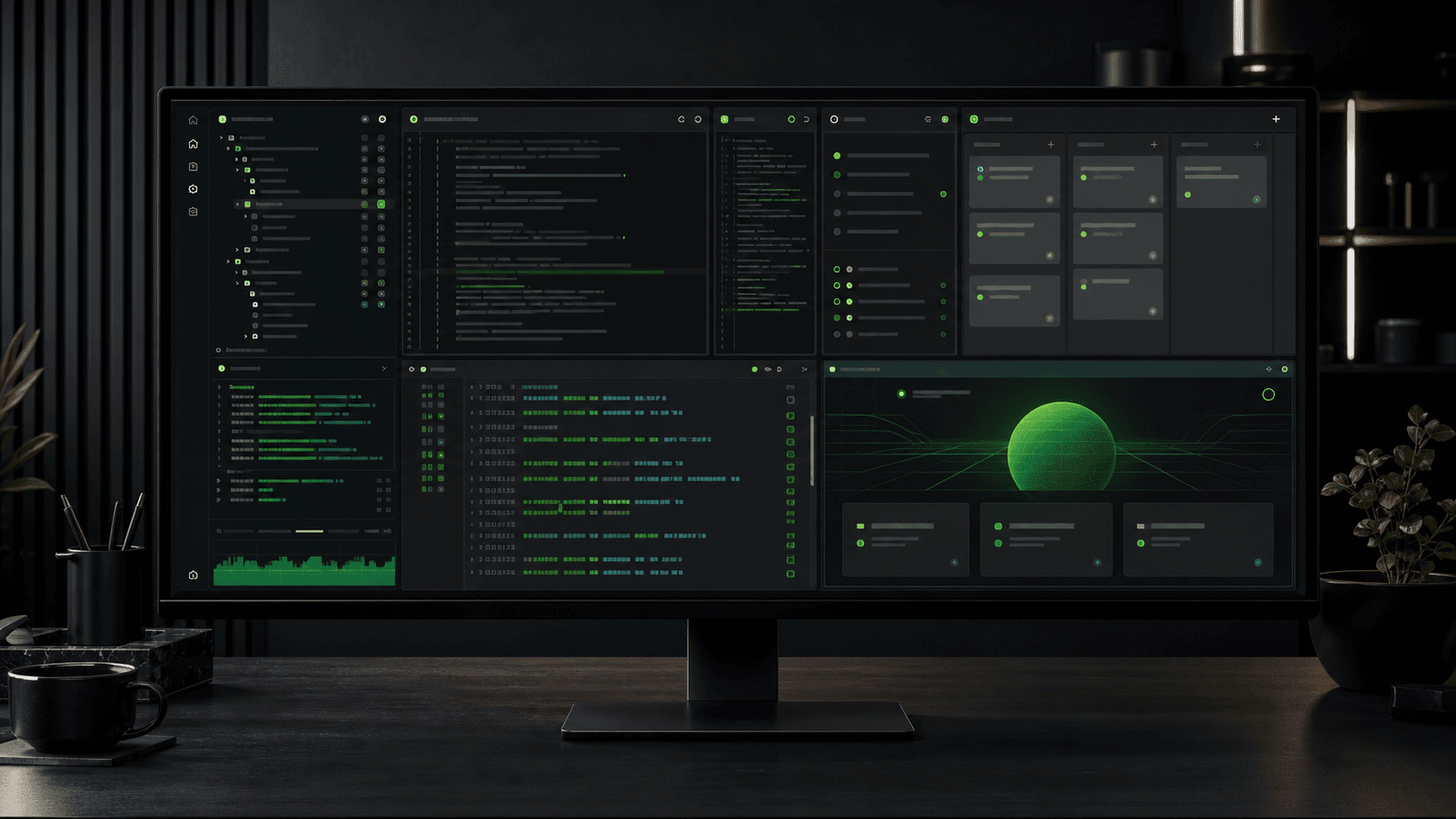
Persistent terminal
Long-running dev servers and shell history stay alive while you move through the rest of the workspace.
// desktop workspace — windows beta
kpworkspace puts a terminal, browser, editor, git client, kanban board, and a skills viewer into one deliberate workspace. Built for founders and product engineers who want less window management and more shipping.

Download
We detect your platform automatically. Windows is in beta now — macOS and Linux builds use the same workspace.
01
surface for the whole build
00
context-switch windows
∞
workspaces on Pro
01 / Built in — every plan
Six tools ship inside the app, so the small interruptions of jumping between separate windows simply disappear.
Long-running dev servers and shell history stay alive while you move through the rest of the workspace.
Open localhost, OAuth callbacks, docs, or staging URLs right next to the code that powers them.
Edit directly against the workspace root instead of bouncing to a separate IDE window.
Stage, commit, branch, push, and pull with an inline diff viewer — without leaving the surface.
Track work per workspace with columns, priorities, and tasks that live alongside the code.
Browse agent skills by project, global, and system scope, with quick search across all of them.
02 / Workflow
Point a workspace at a folder. Every pane inherits the right root.
Start the app in a persistent terminal that survives the rest of the session.
Watch the result in the built-in browser, next to the code.
Edit, split, commit, and rearrange without ever leaving the surface.
03 / On Pro
Pro removes the workspace limit and unlocks the extra capture and dictation tools that live right inside the app.
Grab a region of the screen and keep it organized without leaving the workspace.
Dictate into the terminal or editor with built-in speech recognition.
04 / Plans
2 workspaces · Focused and sufficient.
Unlimited workspaces · Default plan for heavy use.
05 / FAQ
kpworkspace is a desktop workspace that combines a persistent terminal, a built-in browser preview, a code editor, a git client, a kanban board, and a skills viewer in one surface. Your subscription unlocks workspaces and the matching feature set inside the app.
Both plans include the full core stack. Plus gives you 2 workspaces. Pro removes the workspace limit and adds screenshot capture and speech-to-text, plus priority access to new features.
Yes. Everything runs through Stripe. Open the billing portal from your account page to switch plans, update payment details, or cancel. Changes apply immediately and you keep access until the end of the period you paid for.
The desktop app is currently in beta on Windows. Sign in with the same Google account on the website and in the app so your subscription stays linked.